If you're weighing an Apple Watch against a traditional medical alert pendant for a parent, the honest answer is that they do genuinely different things. Here's a fair comparison — including where each one wins, and where KinectedCare fits.
How Apple Watch fall detection actually works
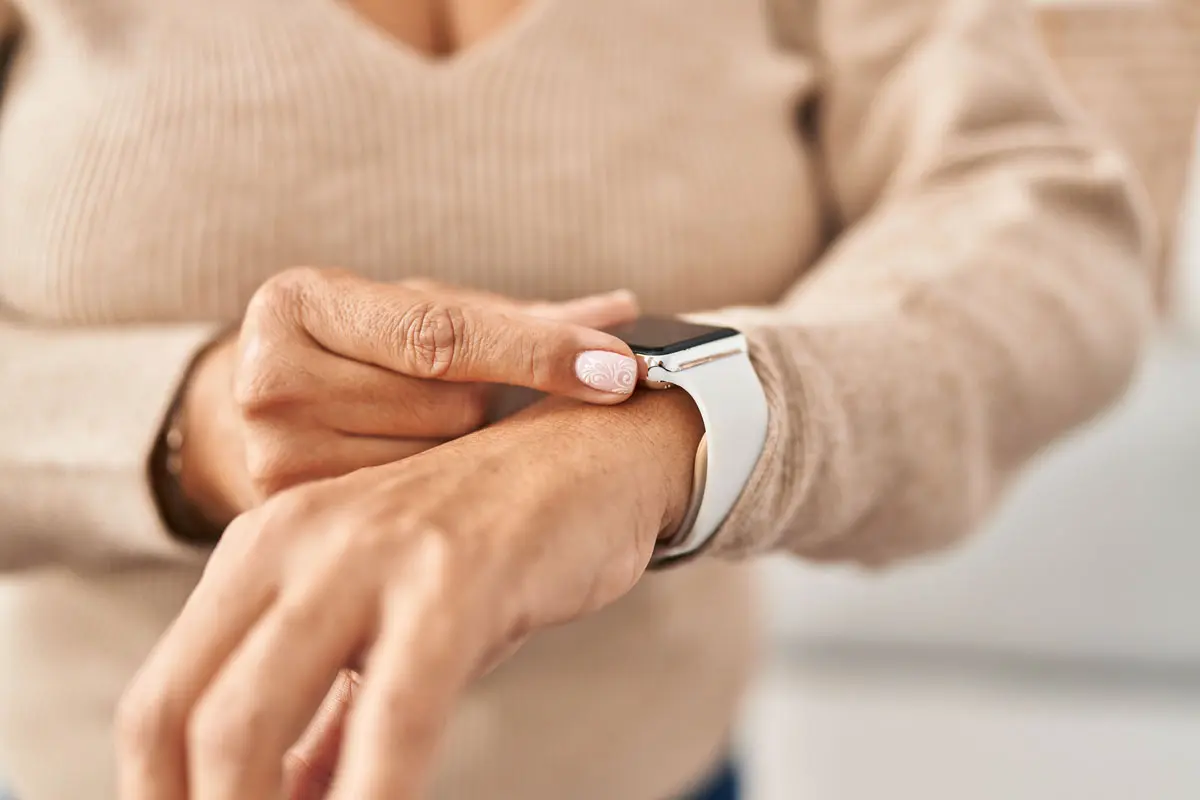
On a supported Apple Watch with fall detection on, a hard fall makes the watch tap your wrist, sound an alarm, and show an alert. If the wearer is moving, it waits for them to respond. If they're immobile for about a minute, it begins a countdown and then automatically calls emergency services, shares location, and texts the wearer's emergency contacts. Notably, calling for help without a nearby phone requires a cellular model. It's a capable, self-contained safety feature — and it routes to 911, not to family first.
How a traditional pendant works
A classic medical alert pendant connects to a monitoring center. Press the button (or, on fall-detection models, a fall triggers it), and a center operator responds, assesses, and either calls your listed contacts or dispatches emergency services. Strengths: nothing to charge daily, dead-simple button, and a human in the loop. Weaknesses: a monthly contract, limited range on home units, and the stigma that keeps many pendants in a drawer.
Where KinectedCare is different
KinectedCare isn't a fourth gadget — it's the layer that makes a family a connected safety net. It gives the person one clear HELP button1 that alerts the whole care team at once, and adds a daily wellbeing snapshot between those moments. It deliberately does not detect emergencies on its own and does not call emergency services — its job is to make sure the people who love your parent hear from them the moment they reach out. Many families pair it with a watch's own SOS, because the two halves fit together: the watch's fall detection reaches 911, and KinectedCare reaches the family — both when the watch detects a fall and any time they press HELP.
So which should you choose?
If your parent is comfortable with everyday tech and you want family-wide awareness plus daily reassurance, a smartwatch with KinectedCare is compelling. If they won't charge or use a smart device and you want a simple monitored button, a pendant still makes sense. The wrong choice is the device that ends up unworn.
Common questions
Does the Apple Watch call 911 automatically if you fall?
Is an Apple Watch as good as a medical alert pendant?
How is KinectedCare different from the watch's own fall detection?
Sources
- Apple Support — Use Fall Detection with Apple Watch. support.apple.com
- National Council on Aging — Apple Watch as a medical alert. ncoa.org
Set up your family's care team in minutes.
Free to start on iOS and Android — no pendant, no contract, no waiting.
Download KinectedCare free